

Download Ocean Life Windows Theme – Ocean Life, Windows Theme, Desktop Theme, Underwater Theme, Marine Life, Ocean Background, Aquatic Desktop, Nature Theme, Sea Life
Overview
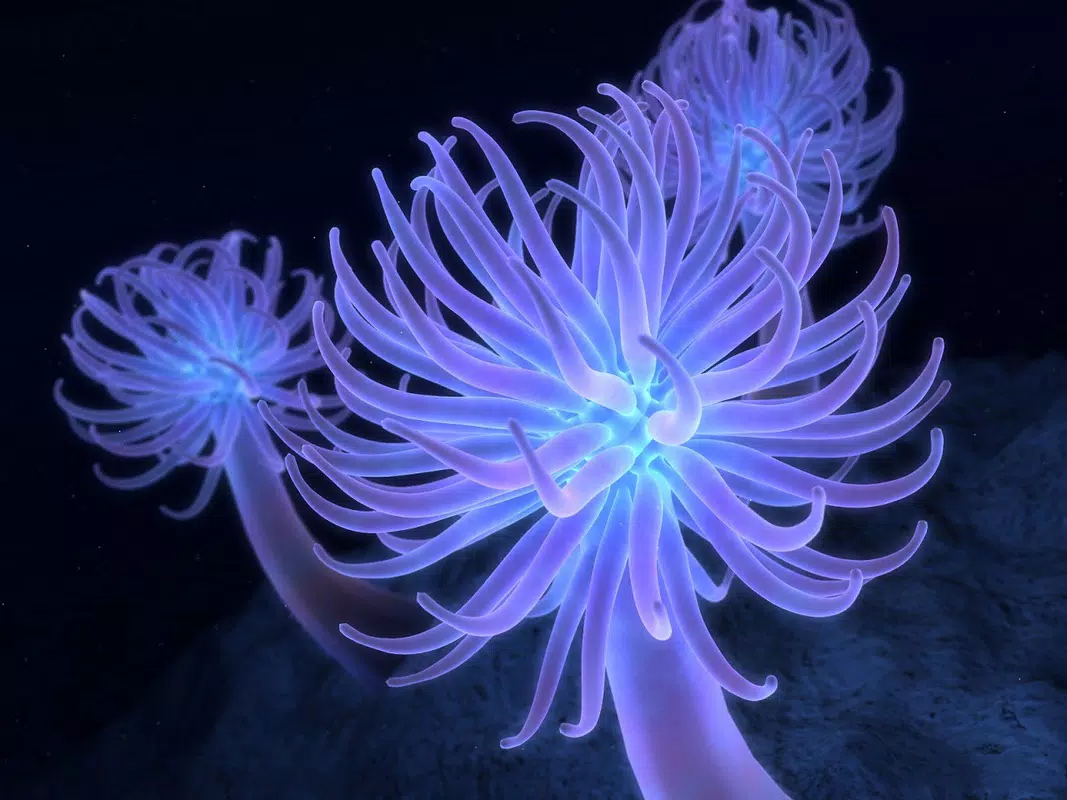
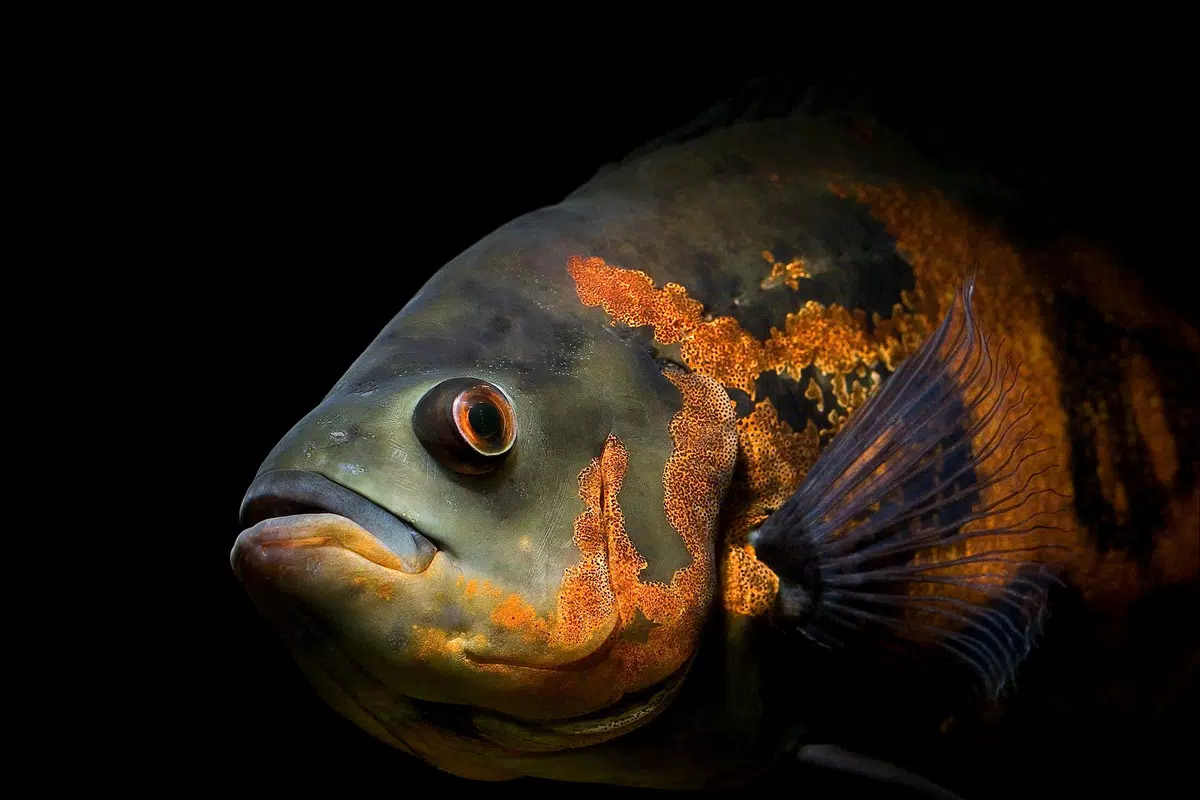
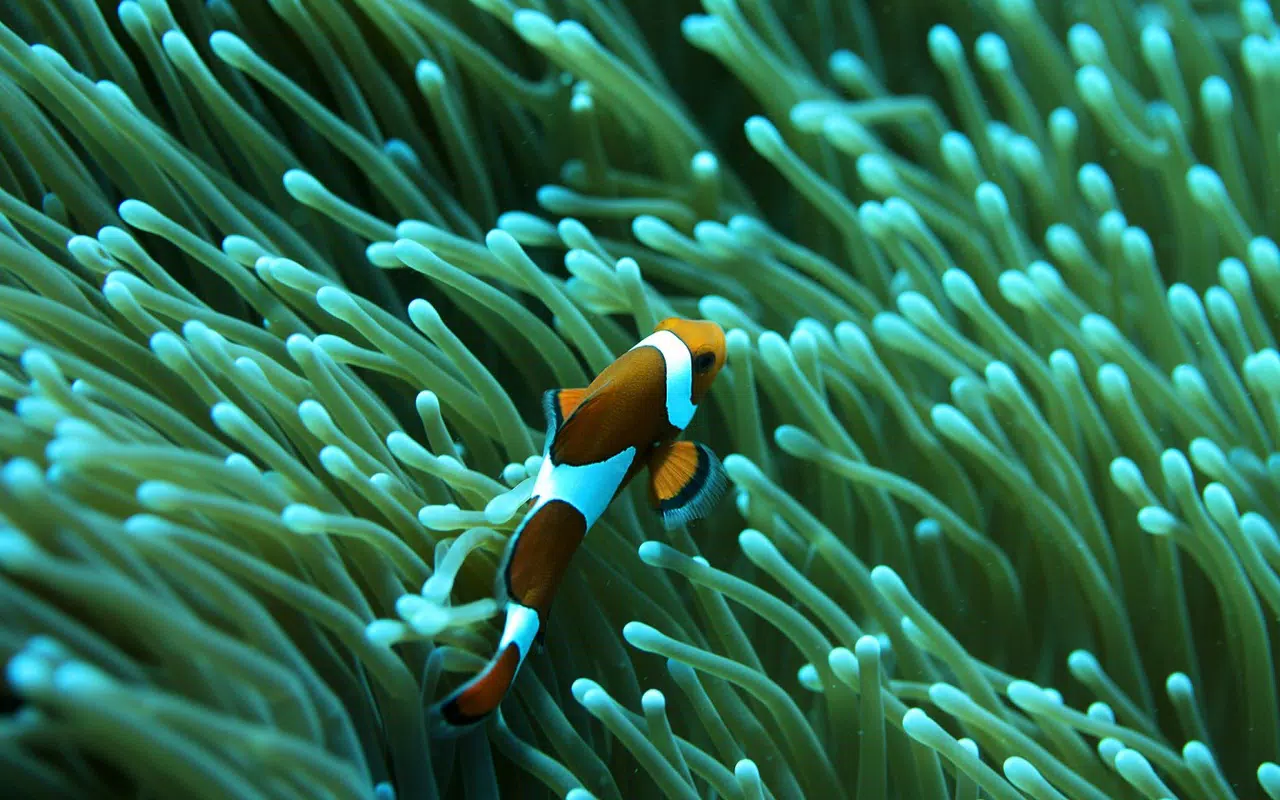
The Ocean Life Windows Theme is a visually immersive desktop experience designed to transport users into the vibrant underwater world. With over thirty high-definition images, this theme transforms the computer screen into a dynamic aquatic tableau, showcasing diverse marine life such as fish, whales, jellyfish, and seaweed. The primary purpose of the app is to enhance the visual appeal of the desktop environment, offering a calming and inspiring atmosphere that supports productivity and creativity. It caters to users who appreciate nature, marine biodiversity, and aesthetic design, particularly those with larger monitors where the high-resolution imagery can be fully appreciated.
Target users include desktop enthusiasts, nature lovers, educators, and professionals seeking a visually stimulating workspace. The theme serves as both a decorative tool and a subtle educational resource, introducing users to the beauty and variety of oceanic ecosystems. While the developer, Arnold A.
Howe, is credited with its creation, no further background information is available regarding their professional history or other projects. The theme was released on October 17, 2012, marking a long-standing presence in the desktop customization space. Despite its age, it remains relevant due to its timeless visual appeal and consistent functionality across modern Windows systems.
Within the broader app ecosystem, the Ocean Life Windows Theme fills a niche for lightweight, non-intrusive utilities that prioritize visual enrichment. It does not require complex setup or ongoing updates, making it a reliable choice for users who value simplicity and elegance in digital customization.
Key Features & Functionality
- High-Definition Imagery: The theme features more than thirty high-resolution images, each free of watermarks, ensuring a clean and uninterrupted visual experience. These images are optimized for clarity and detail, making them ideal for large displays where intricate textures and vibrant colors can be fully appreciated.
- Diverse Marine Life Representation: A wide variety of aquatic species are included, from playful fish and majestic whales to delicate jellyfish and swaying seaweed. This diversity not only enhances visual interest but also provides a subtle opportunity for users to learn about different marine organisms.
- Simple Installation Process: The theme is designed for effortless setup, requiring only a few clicks to apply. This user-friendly approach ensures accessibility for both novice and experienced users, eliminating the need for technical expertise.
- Elegant Aesthetic Design: The overall visual style combines serenity and dynamism, offering a calming backdrop that can reduce visual fatigue during long work sessions. The theme’s colors and composition are balanced to create a harmonious and engaging desktop environment.
- Windows System Compatibility: Built specifically for Windows, the theme integrates smoothly with the operating system’s native customization tools, ensuring stable performance and seamless functionality across different Windows versions.
For example, a remote worker might use the theme to create a focused, nature-inspired workspace, while a student could use it to spark curiosity about marine biology. The theme’s educational value lies in its ability to subtly expose users to oceanic diversity, turning routine screen time into a moment of wonder.
Interface, UX & Performance
The Ocean Life Windows Theme operates entirely through the native Windows desktop customization interface, requiring no additional application or third-party software. The user experience is streamlined and intuitive, relying on the built-in settings to apply and switch between images. The interface is minimal, with no menus, pop-ups, or in-app navigation—users simply select the theme from their desktop settings and choose a preferred image.
Visual style is the core of the experience, emphasizing natural beauty, color harmony, and depth. The images are carefully curated to maintain consistency in tone and resolution, avoiding visual clutter. Navigation is limited to the standard Windows desktop settings, which ensures familiarity and ease of use across devices.
Although the developer did not list formal performance metrics, the theme’s lightweight file size of 32.1 MB suggests minimal system impact. It does not consume significant CPU or memory resources, making it suitable for use on older or lower-spec machines. Responsiveness is consistent with standard Windows operations, and there are no reported issues with stability or crashes. The theme remains stable across different screen resolutions and display configurations.
Platform Compatibility & Technical Requirements
The Ocean Life Windows Theme is designed exclusively for Windows operating systems. It is compatible with various versions of Windows, though specific compatibility details were not listed by the developer. The file size is 32.1 MB, which is relatively small for a theme with over thirty high-definition images. The software version is 1.0, indicating a stable release with no known updates since its initial launch in 2012.
The developer did not specify minimum OS requirements, nor did they provide information on supported screen resolutions or display types. However, the theme is optimized for larger monitors, where the high-resolution imagery can be fully appreciated. Users on smaller screens may still benefit from the theme, though the visual impact may be reduced.
Pros and Cons
- Visually stunning and immersive underwater aesthetic
- Over thirty high-definition, watermark-free images
- Simple and fast installation process
- Lightweight file size with minimal system impact
- Compatible with multiple Windows versions
- Offers subtle educational value through marine life representation
- Released in 2012; no recent updates or modernized features
- No official support or developer contact information
- Compatibility with newer Windows features not confirmed
- Limited interactivity—purely static image-based
- No customization options beyond image selection
FAQ
Is the Ocean Life Windows Theme safe to download and install?
The theme is free and available from trusted desktop customization sources. It does not contain malware or intrusive components. As a static image pack, it poses no security risk when installed via official Windows settings.
Can I use this theme on older versions of Windows?
While the developer did not specify minimum OS requirements, the theme is designed for Windows systems and has been used successfully on various versions since its release in 2012. Compatibility with older systems is likely, but not guaranteed.
Does the theme require an internet connection to work?
No, once installed, the Ocean Life Windows Theme functions entirely offline. No internet access is needed to view or switch between images.
Can I customize the theme further, such as adding my own images?
The theme provides a set of pre-selected images. While users can manually replace them via Windows desktop settings, the theme itself does not include built-in tools for custom image uploads or editing.
Is the theme available for Android or iOS devices?
No, the Ocean Life Windows Theme is designed exclusively for Windows desktops and is not available for mobile platforms such as Android or iOS.
Final Thoughts
The Ocean Life Windows Theme remains a standout choice for users seeking a serene, nature-inspired desktop environment. Its collection of over thirty high-definition images offers a captivating glimpse into the underwater world, combining visual beauty with subtle educational value. Despite its age, the theme continues to deliver a stable, lightweight, and user-friendly experience that enhances the daily computing routine.
It is especially beneficial for remote workers, students, educators, and nature enthusiasts who value aesthetic quality and mental well-being. The lack of updates and modern features is offset by its simplicity and reliability. For those looking to transform their desktop into an aquatic sanctuary without complexity, this theme is an excellent option.
Download Ocean Life Windows Theme now


